
Image to Video AI
Transform any image into a dynamic video. Add motion, effects, and bring your photos to life with AI.
Add elements to reference in your prompt with @element_name (2-4 images each, max 3 elements)
Image to Video AI
Breathe life into your static images. From subtle motion to cinematic sequences, transform photos into engaging videos.
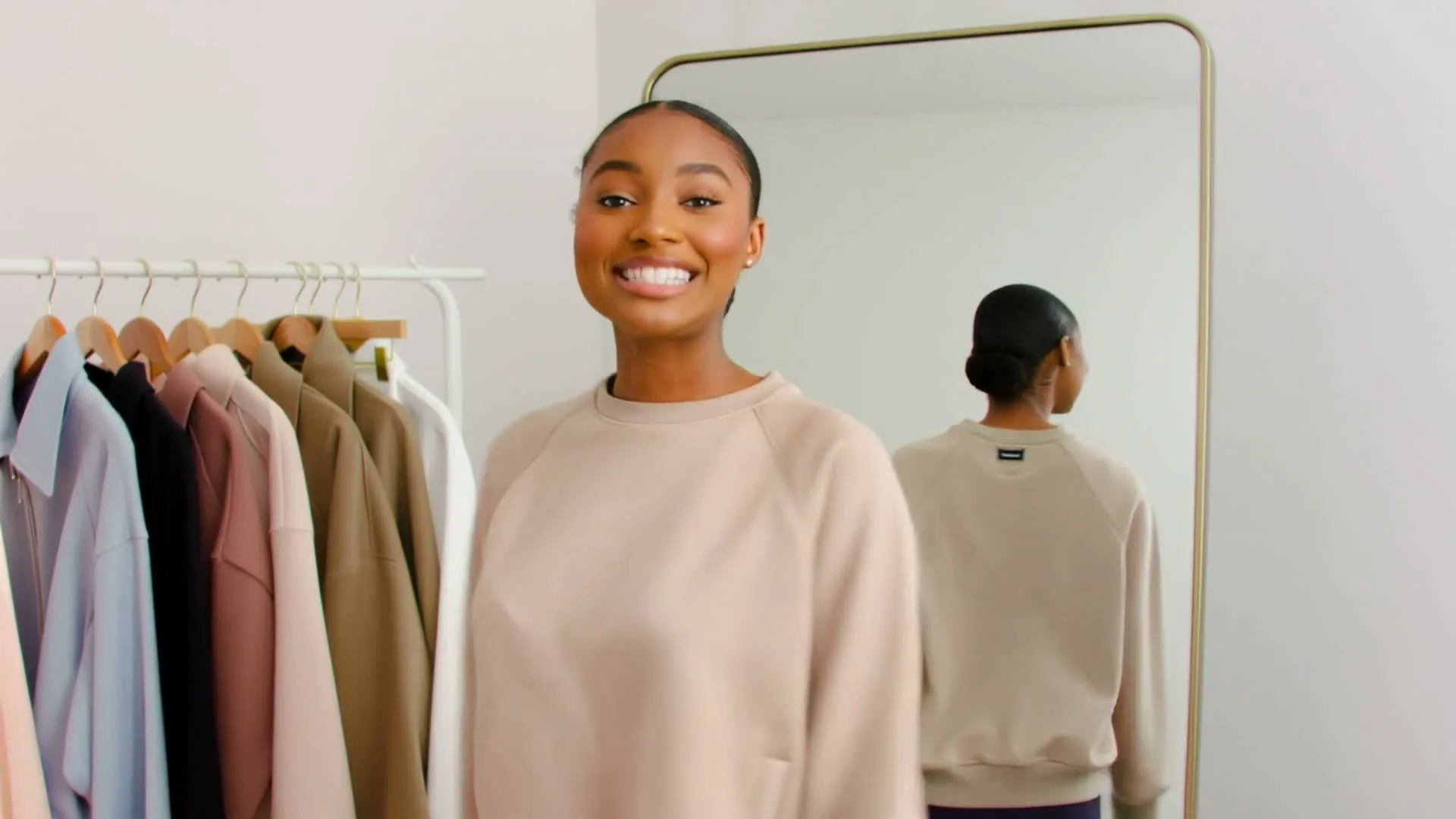
Pika 2.0 · Fashion Store Vlog

Pika 2.0 · Pixel Art Bedroom Scene
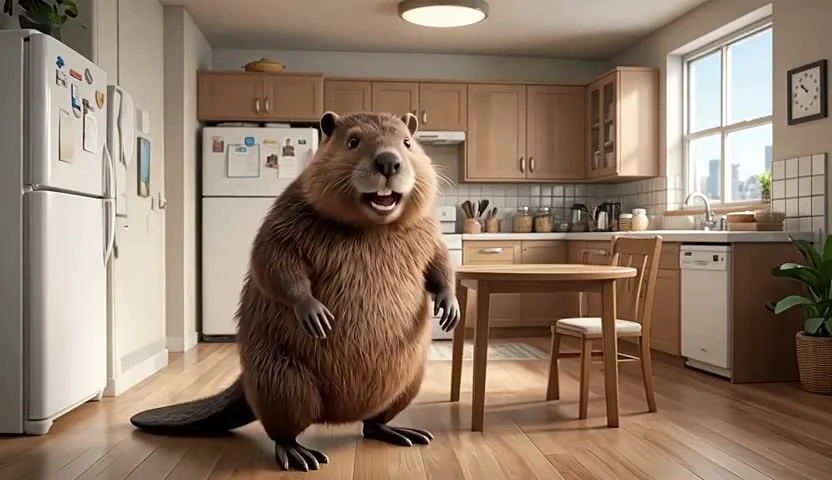
Luma Dream Machine · Beaver in Kitchen
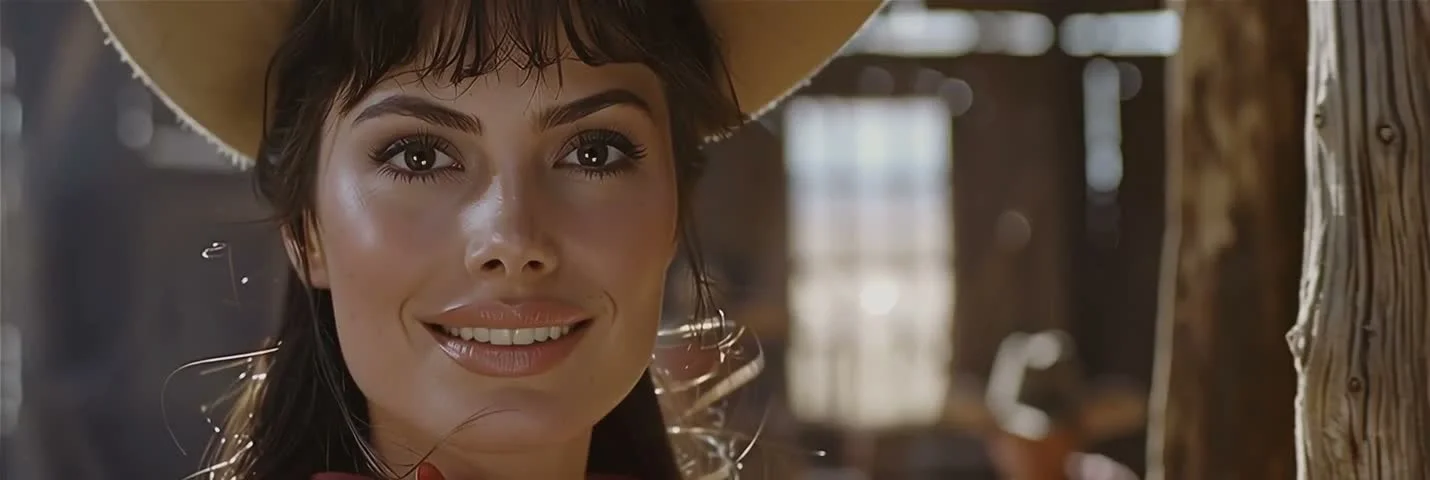
Kling 2.6 · Woman in Straw Hat
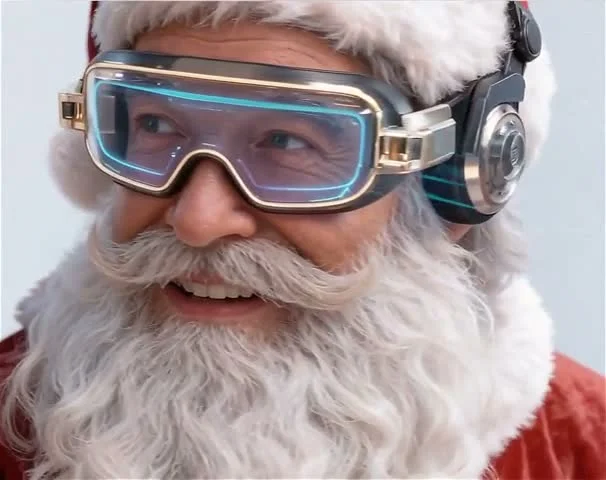
Luma Dream Machine · Cyber Santa Close-Up
Key Features
Everything you need for AI-powered image animation
Camera Movement
Add cinematic camera moves - zoom in/out, pan, tilt, dolly, drone shots, and more.
Parallax Effect
Create depth by moving different layers at different speeds. 3D effect from 2D images.
Smart Animation
AI understands scene content and adds appropriate motion - flowing water, moving clouds, walking people.
Loop Creation
Generate seamless looping videos perfect for social media, backgrounds, and GIFs.
Speed Control
Adjust playback speed - slow motion, real-time, or accelerated time-lapse effects.
Preserve Details
Maintain image quality while adding natural, realistic motion to your photos.
Why Choose Image to Video AI
Breathe life into static images with AI-powered animation and motion.
Natural Motion
AI understands your image content and adds contextually appropriate motion that looks natural and realistic.
Cinematic Effects
Add professional camera movements, parallax depth, and slow motion for cinematic-quality results.
Easy to Use
Upload any image and describe the motion you want. No video editing skills or complex software needed.
Social Media Ready
Generate videos in formats optimized for Instagram, TikTok, YouTube, and all major social platforms.
Animate Images in 3 Simple Steps
From photo to dynamic video in minutes:
Upload Your Image
Upload any photo you want to animate. High-resolution images with clear subjects produce the best results.
Describe Motion
Describe the motion and effects you want. Include camera movements, speed, and style for the animation.
Generate & Download
Click generate and receive your animated video in minutes. Download in MP4 format for any platform.
Frequently Asked Questions
Everything you need to know about Image to Video AI
Bring Your Images to Life
Upload any photo and transform it into a dynamic video with AI.